

WiFi & Networking · Singapore
WiFi Network Setup Singapore
Full-coverage commercial WiFi for Singapore offices and businesses. We design access point placement, run cabling, configure guest and staff VLANs and test signal across your entire floor plan before we leave.
Get a free quoteCommercial WiFi is different from home WiFi
Most Singapore offices that have WiFi problems are running consumer-grade routers not designed for multiple simultaneous users and high device density. A home router manages 5 to 10 devices in a single room reasonably well. An office with 20 staff, multiple laptops, phones, tablets, printers, IP cameras and IoT devices on the same network experiences congestion, dropped connections and slow speeds that a second consumer router will not fix.
Commercial WiFi systems use managed access points that handle device handoff as you move through a space, support higher concurrent device counts, allow VLAN separation for security and are centrally managed so configuration is consistent across all access points.
What we cover in a WiFi installation
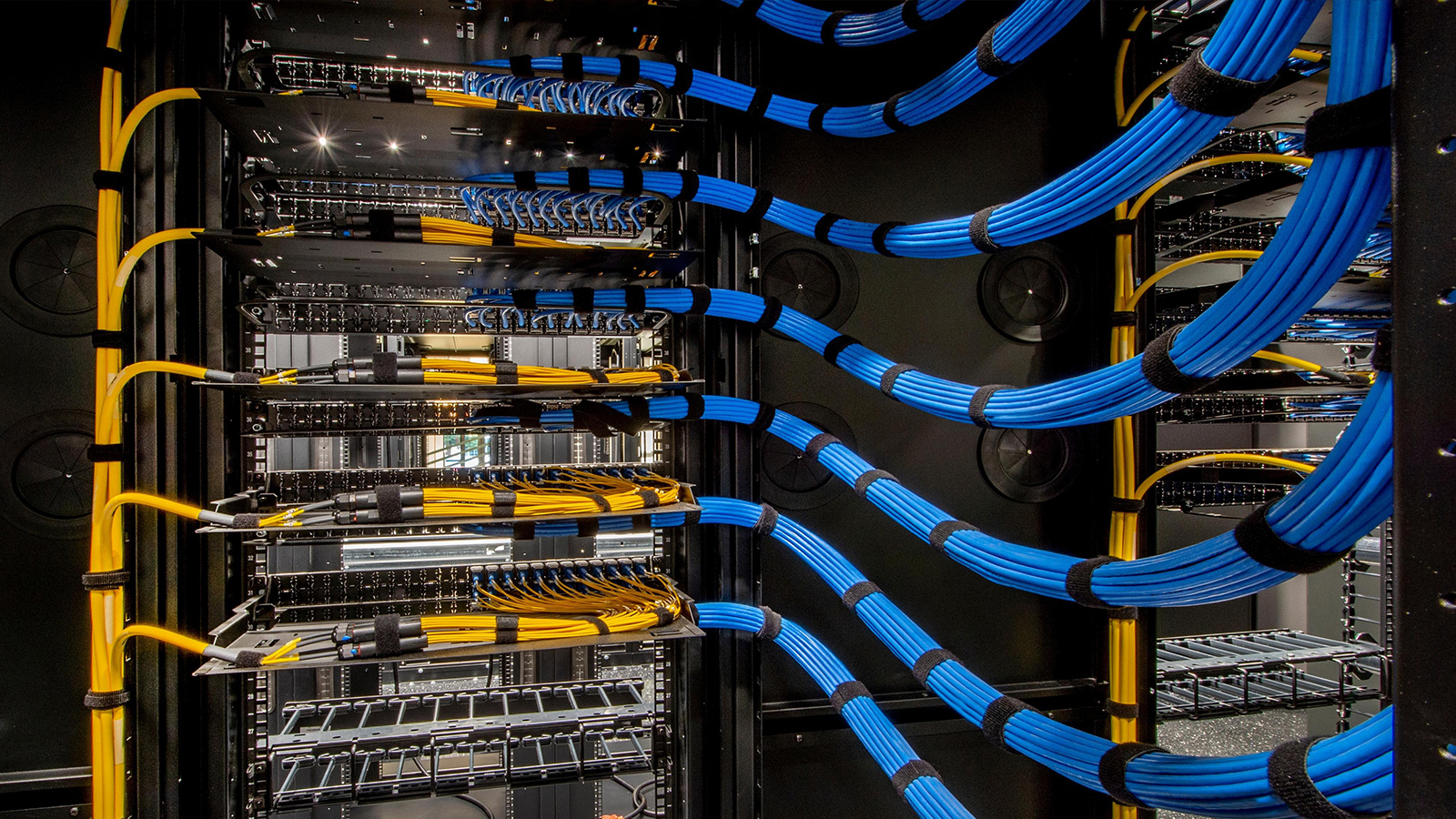
We start with a site survey to measure your floor plan, identify obstructions and determine access point placement. We then run Cat6 cabling from a central switch to each access point location, install ceiling-mount or wall-mount access points as appropriate, configure them as a unified network with seamless roaming, set up separate VLANs for staff, guest and IoT devices, and run a coverage test to confirm signal strength meets requirements across all areas before handover.
Staff and guest network separation
Separating staff and guest networks is not optional for any business that takes security seriously. A guest on your main network has potential access to shared drives, internal systems and other connected devices. We configure a dedicated guest SSID that routes directly to the internet and is blocked from your internal network at the VLAN level. Visitors connect to the guest network without any password or with a rotating daily password. Your staff network remains private.
Fixing existing WiFi problems
If your current office WiFi is slow, drops connections in certain areas, or fails under load during busy periods, we can diagnose the cause and recommend a targeted fix. This may be as simple as repositioning an access point, or may require adding access points to expand coverage, upgrading to a commercial system or reconfiguring channels to reduce interference from neighbouring networks. We provide an honest assessment of what is actually needed before quoting.
Pricing guide
A commercial WiFi installation for a small Singapore office (up to 150sqm, 2 access points, switch, staff and guest VLANs) typically costs $800 to $1,500. Larger premises with 3 or more access points and full cabling run $1,500 to $3,000+. Call +65 9336 1177 or use the enquiry form for a specific quote.
Frequently asked questions
How do I get full WiFi coverage in my Singapore office?
Full coverage in a commercial space requires properly planned access point placement. We conduct a site survey, design the access point layout, run Cat6 cabling and configure the access points as a unified seamless network so devices roam automatically.
What is a guest WiFi network and should I have one?
A guest network gives visitors internet access without access to your internal company network and devices. We configure guest WiFi as a separate VLAN isolated from your staff network. This is recommended for any business that receives clients, contractors or visitors.
How many access points do I need for my office?
One access point covers approximately 50 to 80sqm in a typical Singapore office. A 200sqm office typically needs 3 to 4 access points for reliable full coverage. We calculate this properly during the site survey.
Can you fix slow or unreliable WiFi in my existing office?
Yes. Poor WiFi is usually caused by too few access points, bad positioning, channel interference or consumer-grade hardware. We diagnose the problem and recommend the most cost-effective fix before quoting.